Level, flush to the wall, and into something that will hold it.
LED, OLED, QLED, 4K smart and curved screens, fixed, tilting or full motion, in homes and condos across the GTA.
Same-day across the GTA
The wall decides the fixing
Most homes here are drywall over timber studs at 16 inch centres. A mount needs to land in at least two of them, with lag bolts driven into the middle of the timber rather than clipping the edge. One stud and a couple of drywall anchors is the commonest failure we get called out to fix. Those anchors are not rated for a large screen, and they are nowhere close to rated for one hanging off an extended arm.
Steel studs are a different problem. They are thin, they flex, and a lag bolt has nothing to bite into. Those walls take toggle fixings rated for the load, or a plywood backing plate spanning several studs so the weight is spread across more than one of them.
So we find the studs, mark them, and tell you where the screen can actually go before anything is drilled. Sometimes that is a few inches off where you had pictured it. The alternative is a bracket held by plasterboard, which is not an alternative.
Bracket, leverage and eye height
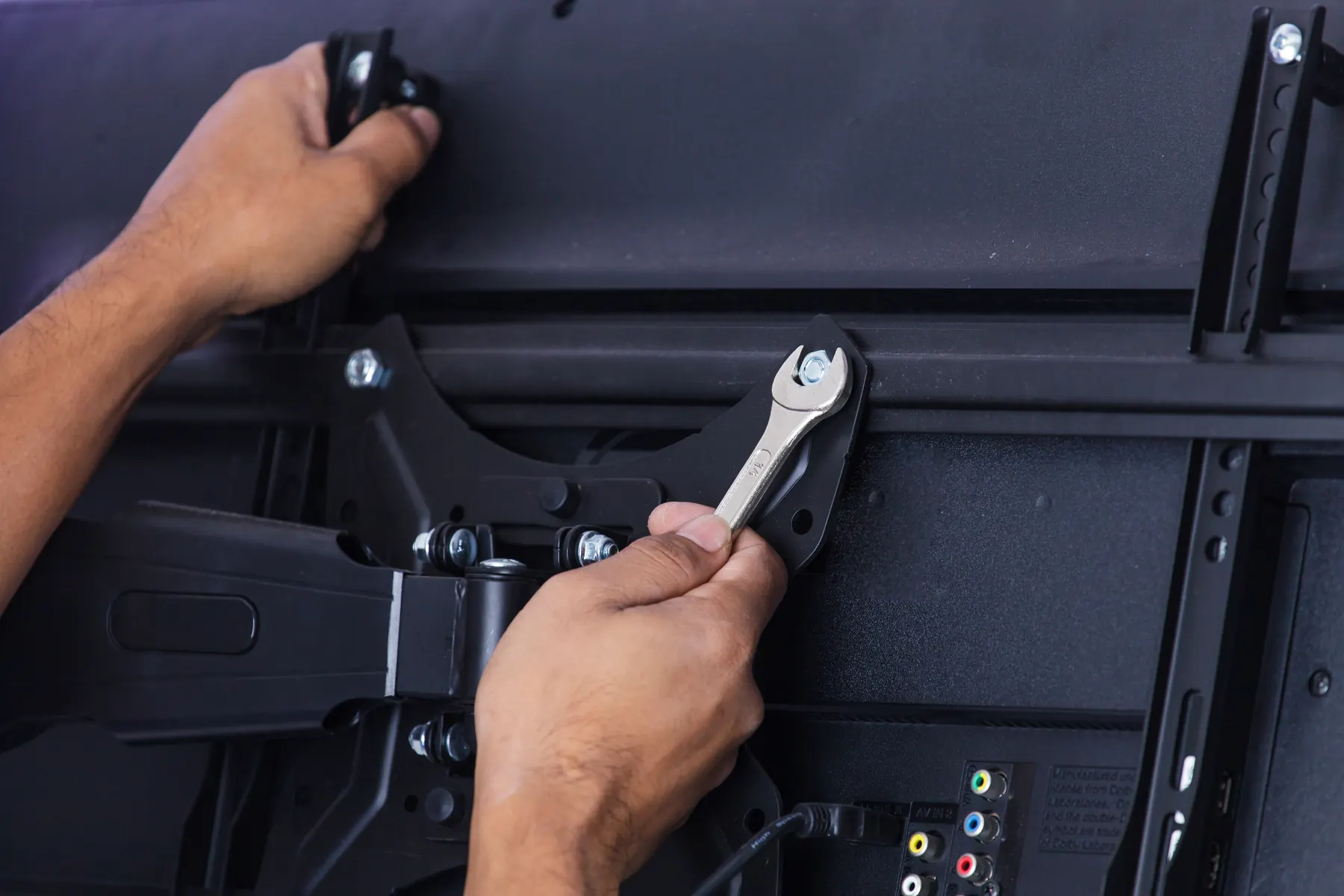
The VESA pattern is the grid of threaded holes on the back of your set, measured in millimetres between centres. It decides which bracket fits, which is why we ask for the model number or bring a bracket chosen for it.
A flat mount keeps the screen close to the wall and pulls almost straight down. A tilting mount adds a little angle, useful under a window or a bright light. A full motion arm changes the arithmetic completely. Every inch it extends adds leverage at the top fixings, so the wall behind it has to be better than the same wall would need to be for a flat plate.
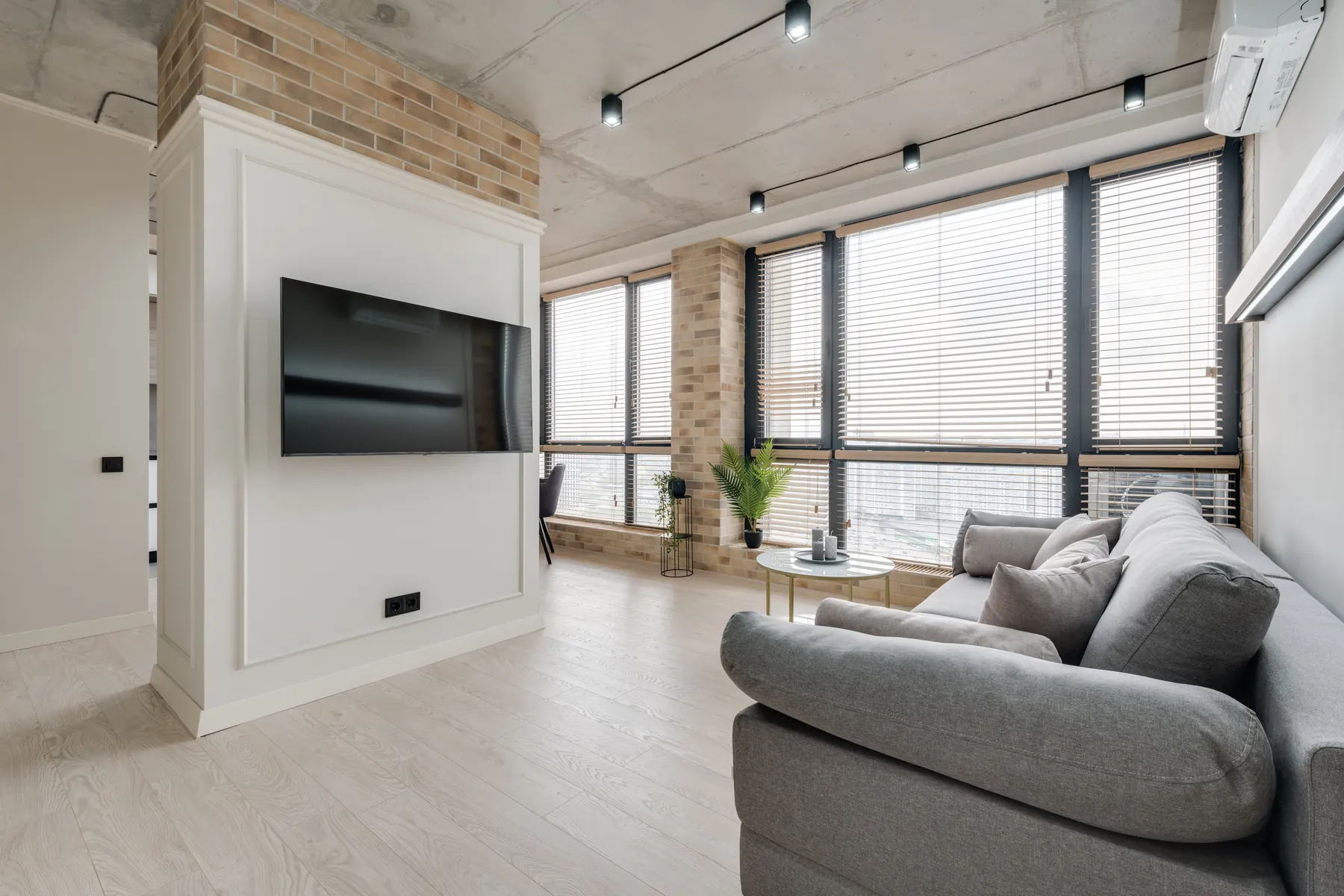
Then there is height. The centre of a screen wants to sit near seated eye level, and a bare wall always invites you higher than that. Screens hung to look right to a standing adult are the ones people complain about later. We will hold the set at both heights so you can see the difference before we commit.
The honest no
A thin hollow partition with nothing solid behind it will not hold a television, and no clever fixing changes that. If that is your wall we say so on the day instead of drilling and hoping, then look at what else in the room will take the weight.
Cables are dealt with on every job, inside the wall where the wall allows it. The quote comes before the work, and it does not move afterwards.
How it goes
The order of work.
Tell us the screen and the room
Book online or call. The screen size, the make and model, and your best guess at what the wall is made of are enough to start with.
Find what is behind the wall
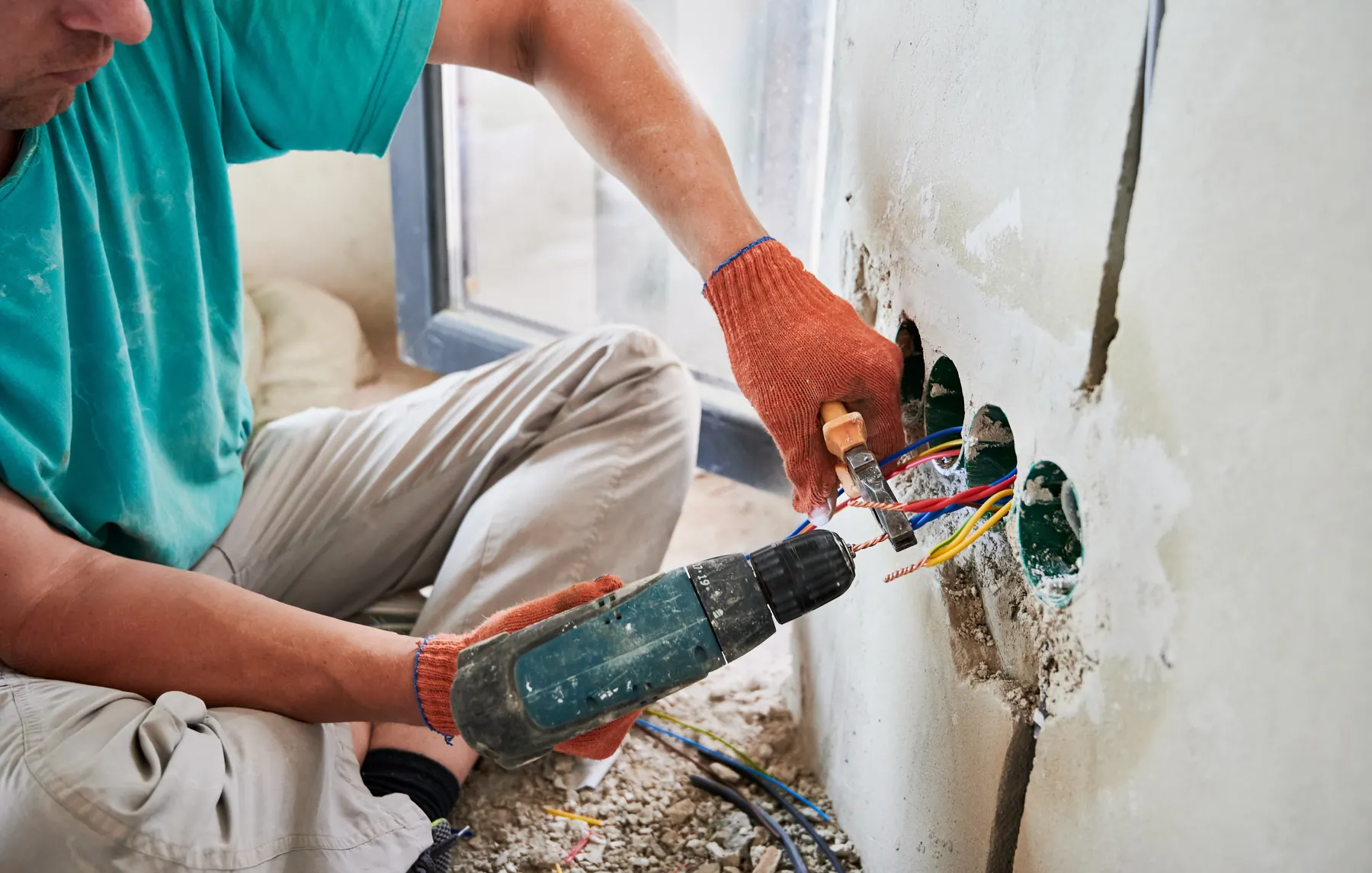
We locate and mark the studs, or test the masonry, check the VESA pattern on the back of your set and agree the exact height with you before the drill comes out.
Fix the bracket
Lag bolts into at least two studs, or the correct masonry anchors, with the rail checked for level in both directions.
Hang, align and tidy
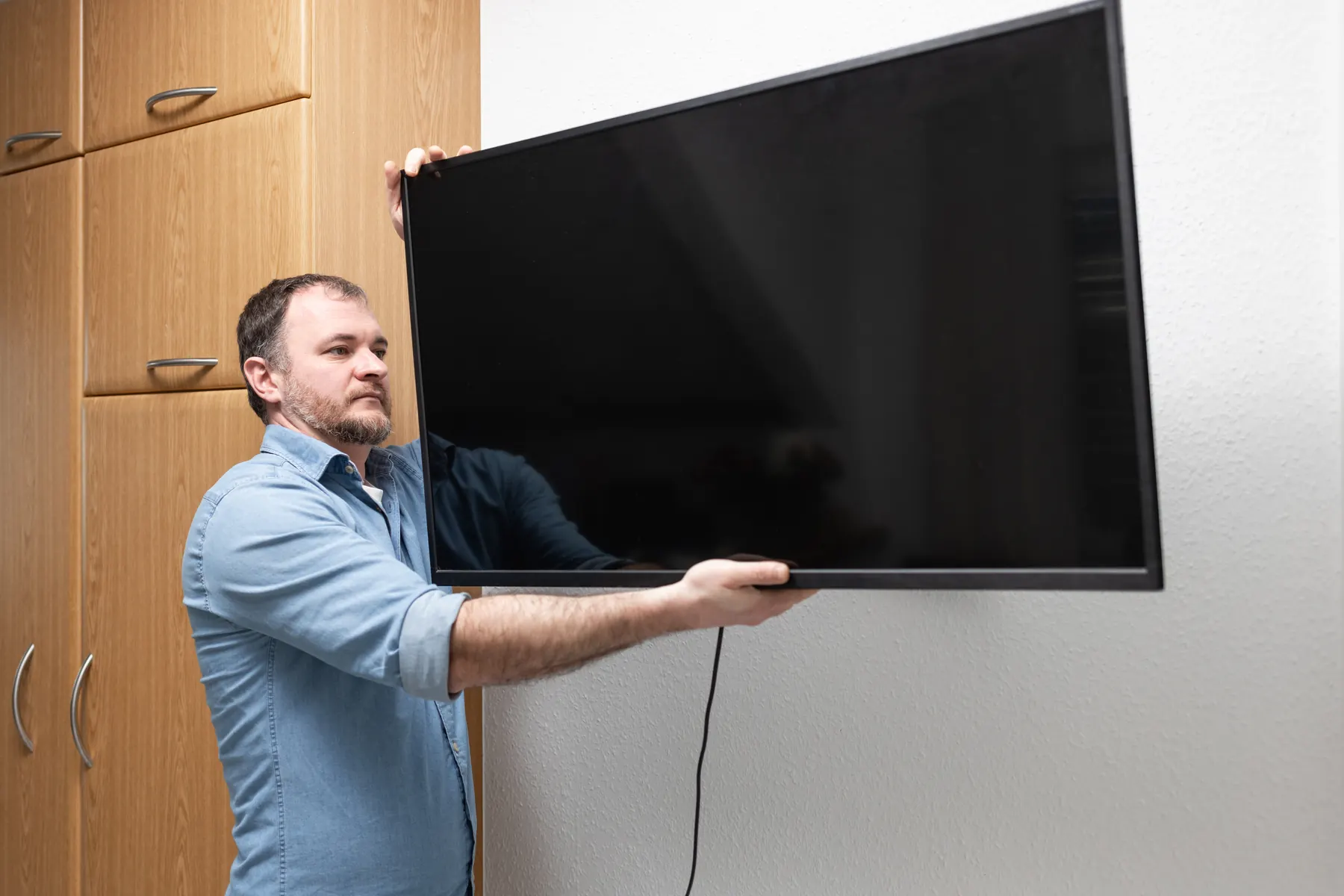
Screen on, tilt set, cables concealed, everything tested, and the packaging leaves with us.
Is one stud enough?
No. A bracket needs to land in at least two studs, with the bolts into the middle of the timber rather than the edge. One stud plus a pair of drywall anchors is the most common reason a screen ends up on the floor.
How high should the television go?
Lower than most people expect. The centre of the screen wants to be near your eye level when you are sitting down. We will hold it at the height you pictured and at the height it should be, and you pick.
Can you mount on any wall?
Almost any. Drywall over timber or steel studs, brick, block, poured concrete and stone all take a screen with the right fixings. A thin hollow partition with nothing solid behind it is the one we say no to.